Harnessing the Power of XGBoost and LangChain: A Conversational AI-Driven Machine Learning Pipeline
In recent advancements in the realm of AI, the integration of machine learning and conversational intelligence has brought forth a new era in data science workflows. This article explores a cutting-edge approach that merges the analytical prowess of XGBoost with the conversational capabilities of LangChain. By constructing an end-to-end pipeline, we will walk you through generating synthetic datasets, training an XGBoost model, evaluating its performance, and visualizing crucial insights — all orchestrated through modular LangChain tools.
Setting Up the Environment
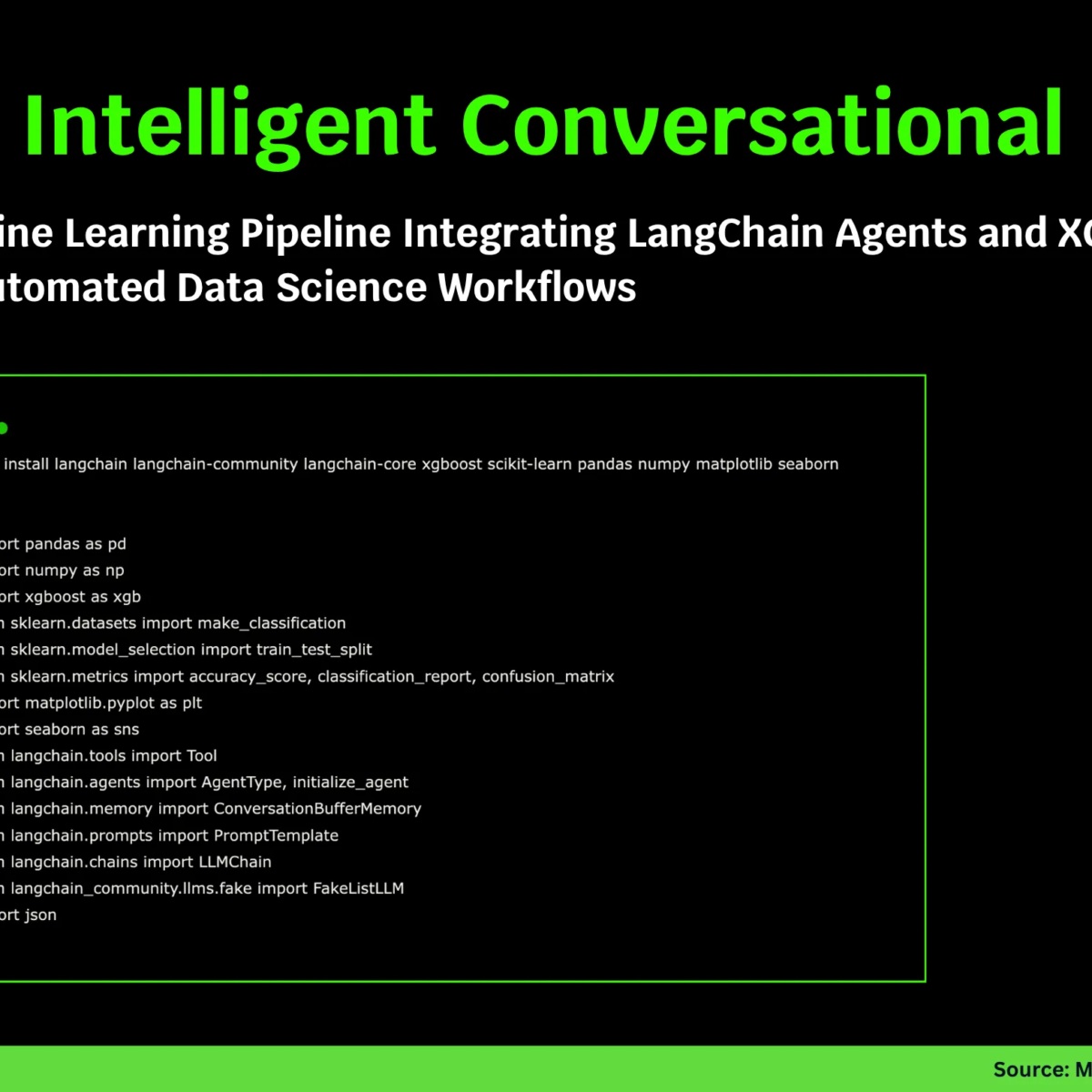
The journey begins with the installation of necessary libraries. LangChain facilitates the agentic AI integration, while XGBoost and scikit-learn provide the backbone for our machine learning tasks. Additionally, we utilize libraries like Pandas, NumPy, and Seaborn for efficient data handling and visualization. Here’s how we set up the environment:
bash
!pip install langchain langchain-community langchain-core xgboost scikit-learn pandas numpy matplotlib seaborn
Data Generation and Preprocessing
The backbone of any machine learning project is its data. To manage this crucial aspect, we define a DataManager class responsible for generating and preprocessing our dataset. Utilizing scikit-learn’s make_classification function, the class can create synthetic classification data tailored to our specifications:
python
class DataManager:
def init(self, n_samples=1000, n_features=20, random_state=42):
Initialization code
def generate_data(self):
Generate synthetic classification dataset
This class not only generates synthetic data but also provides a summary that includes essential details like sample counts and class distributions.
Training and Evaluating the XGBoost Model
Once we have our dataset ready, the next step is to leverage the power of XGBoost through the XGBoostManager class. This component is responsible for training the model and evaluating its performance. The workflow is straightforward: we fit an XGBClassifier, compute metrics such as accuracy and per-class metrics, and extract feature importances to interpret the model effectively:
python
class XGBoostManager:
def train_model(self, X_train, y_train, params=None):
Training code
def evaluate_model(self, X_test, y_test):
Evaluation code
Visualizing Model Results
An integral part of the machine learning process is the visualization of results. The visualize_results method in the XGBoostManager class creates insightful graphs using Matplotlib and Seaborn for detailed analysis. These visualizations include confusion matrices, feature importance charts, and true vs. predicted distributions, empowering users to understand model predictions better:
python
def visualize_results(self, X_test, y_test, feature_names):
Visualization code
Creating the Conversational AI Agent
With the foundational components in place, we now utilize LangChain to create a conversational agent. The create_ml_agent function integrates the machine learning tasks with LangChain’s ecosystem, wrapping key operations into tools that the conversational agent can execute seamlessly:
python
def create_ml_agent(data_manager, xgb_manager):
tools = [
Tool(name="GenerateData", func=lambda x: data_manager.generate_data(), description="Generate synthetic dataset."),
Tool(name="DataSummary", func=lambda x: data_manager.get_data_summary(), description="Get summary statistics."),
Tool(name="TrainModel", func=lambda x: xgb_manager.train_model(data_manager.X_train, data_manager.y_train), description="Train XGBoost model."),
Tool(name="EvaluateModel", func=lambda x: xgb_manager.evaluate_model(data_manager.X_test, data_manager.y_test), description="Evaluate model performance."),
Tool(name="FeatureImportance", func=lambda x: xgb_manager.get_feature_importance(data_manager.feature_names, top_n=10), description="Get top 10 important features."),
]
return tools
This structure empowers users to interact with machine learning tasks using natural language commands, making the process intuitive and user-friendly.
Executing the Full Tutorial
The orchestration of our entire workflow is encapsulated within the run_tutorial() function. This function outlines a step-by-step approach, from data generation to model evaluation and visualization:
python
def run_tutorial():
Execution code
Through this structured interaction, users not only engage with the machine learning processes but also gain insights into practical results accompanied by visualizations.
Key Takeaways
This comprehensive tutorial illustrates how combining LangChain and XGBoost creates a conversational interface that simplifies machine learning workflows. The agentic approach makes complex operations easily accessible and understandable:
- Integration of ML Operations: LangChain tools enable the wrapping of machine learning tasks into a coherent workflow.
- XGBoost’s Predictive Strength: Leveraging powerful gradient boosting models enhances predictive capabilities.
- Conversational ML Pipelines: This approach fosters an environment where machine learning becomes an interactive and explainable process.
By blending high-level orchestration with machine learning functionalities, this pipeline not only democratizes access to complex data science tasks but also paves the way for more intelligent, dialogue-driven workflows.
For a deeper dive and to view the complete code, check out the full tutorial available on GitHub.