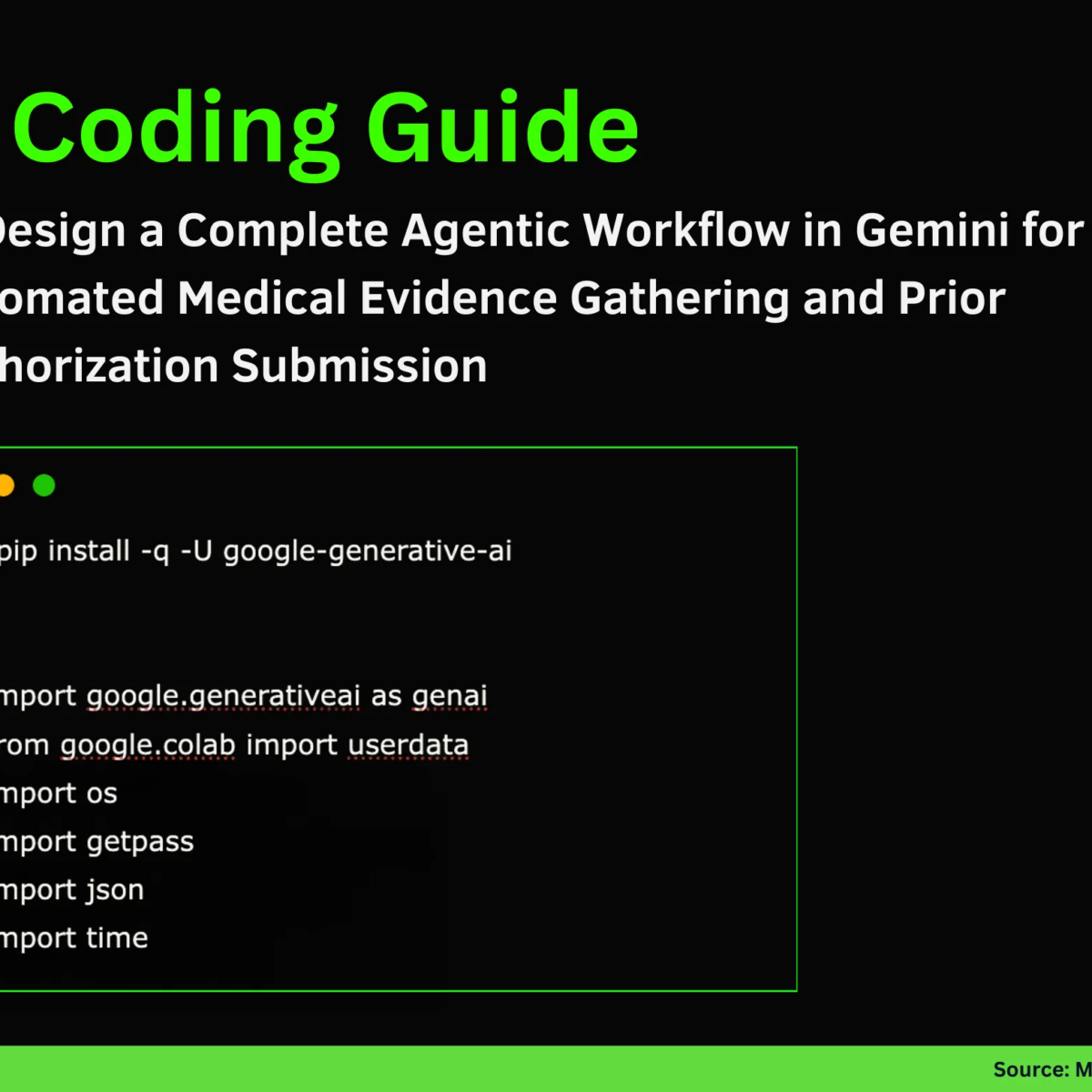
Creating an Intelligent Medical Prior Authorization Agent with Gemini
In this tutorial, we delve into the intricacies of crafting a fully functional medical prior-authorization agent powered by Gemini. This step-by-step guide walks you through everything—from securely configuring the model to building realistic external tools, and ultimately constructing an intelligent agent loop that reasons, acts, and responds through structured JSON. As we navigate this process, you’ll witness how the system thinks, retrieves evidence, and interacts with simulated medical systems to complete a complex workflow.
Setting Up the Environment
To kick things off, we start by installing the necessary package and configuring the environment. Using the following command, you can install the Google Generative AI SDK, which will allow us to leverage the capabilities of the Gemini model:
python
!pip install -q -U google-generative-ai
Next, we import the essential libraries and securely obtain the Google API key. Here’s a snippet to help with that:
python
import google.generativeai as genai
from google.colab import userdata
import os
import getpass
import json
import time
try:
GOOGLE_API_KEY = userdata.get(‘GOOGLE_API_KEY’)
except:
print("Please enter your Google API Key:")
GOOGLE_API_KEY = getpass.getpass("API Key: ")
genai.configure(api_key=GOOGLE_API_KEY)
This code focuses on setting up our environment while ensuring secure API key management. It scans for available models and selects the most capable one without hardcoding values. Such an approach provides flexibility and reliability right from the start.
Defining Medical Tools
Once the environment is established, we need to create the medical tools that our agent will use:
python
class MedicalTools:
def init(self):
self.ehr_docs = [
"Patient: John Doe | DOB: 1980-05-12",
"Visit 2023-01-10: Diagnosed with Type 2 Diabetes. Prescribed Metformin.",
"Visit 2023-04-15: Patient reports severe GI distress with Metformin. Discontinued.",
"Visit 2023-04-20: BMI recorded at 32.5. A1C is 8.4%.",
"Visit 2023-05-01: Doctor recommends starting Ozempic (Semaglutide)."
]
def search_ehr(self, query):
    print(f"   🔎 [Tool] Searching EHR for: '{query}'...")
    results = [doc for doc in self.ehr_docs if any(q.lower() in doc.lower() for q in query.split())]
    if not results:
        return "No records found."
    return "\n".join(results)

def submit_prior_auth(self, drug_name, justification):
    print(f"   📤 [Tool] Submitting claim for {drug_name}...")
    justification_lower = justification.lower()
    if "metformin" in justification_lower and ("discontinued" in justification_lower or "intolerance" in justification_lower):
        if "bmi" in justification_lower and "32" in justification_lower:
            return "SUCCESS: Authorization Approved. Auth ID: #998877"
    return "DENIED: Policy requires proof of (1) Metformin failure and (2) BMI > 30."
In this code, we define the MedicalTools class, which simulates EHR searches and the prior authorization submission process. It facilitates a more immersive and interactive experience, allowing our agent to perform genuine operations rather than relying solely on text generation.
Building the Agentic System
With our tools in place, we can create the agentic system that governs the workflow:
python
class AgenticSystem:
def init(self, model, tools):
self.model = model
self.tools = tools
self.history = []
self.max_steps = 6
    self.system_prompt = """
    You are an expert Medical Prior Authorization Agent.
    Your goal is to get approval for a medical procedure/drug.

    You have access to these tools:
    1. search_ehr(query)
    2. submit_prior_auth(drug_name, justification)

    RULES:
    1. ALWAYS think before you act.
    2. You MUST output your response in STRICT JSON format:
       {
         "thought": "Your reasoning here",
         "action": "tool_name_or_finish",
         "action_input": "argument_string_or_dict"
       }
    3. Do not guess patient data. Use 'search_ehr'.
    4. If you have the evidence, use 'submit_prior_auth'.
    5. If the task is done, use action "finish".
    """
Defining the system prompt sets distinct rules and expectations for the agent’s decision-making. It ensures that the agent operates within a safe, predictable framework and that actions are well-structured in JSON format. This level of control is critical for maintaining a systematic and traceable workflow.
Executing Tools and Running the Agent Loop
Now, let’s examine how the agent interacts with tools and operates in a loop:
python
def execute_tool(self, action_name, action_input):
if action_name == "search_ehr":
return self.tools.search_ehr(action_input)
elif action_name == "submit_prior_auth":
if isinstance(action_input, str):
return "Error: submit_prior_auth requires a dictionary."
return self.tools.submit_prior_auth(**action_input)
else:
return "Error: Unknown tool."
def run(self, objective):
print(f"🤖 AGENT STARTING. Objective: {objective}\n" + "-"*50)
self.history.append(f"User: {objective}")
for i in range(self.max_steps):
    print(f"\n🔄 STEP {i+1}")
    prompt = self.system_prompt + "\n\nHistory:\n" + "\n".join(self.history) + "\n\nNext JSON:"

    try:
        response = self.model.generate_content(prompt)
        text_response = response.text.strip().replace("json", "").replace("", "")
        agent_decision = json.loads(text_response)
    except Exception as e:
        print(f"   ⚠️ Error parsing AI response. Retrying... ({e})")
        continue

    print(f"   🧠 THOUGHT: {agent_decision['thought']}")
    print(f"   👉 ACTION: {agent_decision['action']}")

    if agent_decision['action'] == "finish":
        print(f"\n✅ TASK COMPLETED: {agent_decision['action_input']}")
        break

    tool_result = self.execute_tool(agent_decision['action'], agent_decision['action_input'])
    print(f"   👁️ OBSERVATION: {tool_result}")

    self.history.append(f"Assistant: {text_response}")
    self.history.append(f"System: {tool_result}")

    if "SUCCESS" in str(tool_result):
        print("\n🎉 SUCCESS! The Agent successfully navigated the insurance portal.")
        break
In this snippet, we implement the core functions that facilitate the agent’s reasoning and tool execution. The agent engages in iterative loops, making decisions, executing necessary tools, and updating its history. As the workflow unfolds, you can visualize how the agent goes from reasoning about its next steps to executing concrete actions.
Running the System
Finally, we create an instance of our tools and agent, then run the entire system with the following code:
python
tools_instance = MedicalTools()
agent = AgenticSystem(model, tools_instance)
agent.run("Please get prior authorization for Ozempic for patient John Doe.")
This acts as our final test, where we see the complete workflow in action. The agent, equipped with relevant tools, navigates through patient history, validates evidence, and processes the prior authorization request seamlessly.
Through this educational journey, we’ve crafted a compact yet powerful framework that showcases real-world agentic behavior. Beyond simple text responses, we witnessed the agent’s capacity to think, learn, and act autonomously within a defined medical workflow.
For more in-depth details and complete code references, feel free to explore the FULL CODES here. You can also dive into our GitHub Page for Tutorials, Codes and Notebooks for further learning. Join the community for updates and discussions through our Twitter and our Machine Learning SubReddit.